Get AI Ready: Microsoft 365 Copilot Quickstart Guide

Get started fast. Work smarter in the apps you already use.

If your team runs on Microsoft 365, Microsoft 365 Copilot can help you move faster every day with AI – drafting, summarising, analysing, and turning scattered information into clear next steps.

This quick start guide is designed for busy teams who want practical, secure ways to start using Copilot without a big change.

Recent Resources

Tech mistakes law firms can’t afford to ignore
Get AI Ready: Microsoft 365 Copilot Quickstart Guide

Work Smarter, Not Harder: Use Cases

Microsoft 365 Copilot enhances daily workflows by enabling users to work smarter, not harder. It offers real-time intelligent assistance that takes productivity to a new level. Whatʼs more, it adapts to individual tasks and data, providing personalised suggestions and solutions tailored to usersʼ needs.

Here are a few examples of how it elevates productivity:

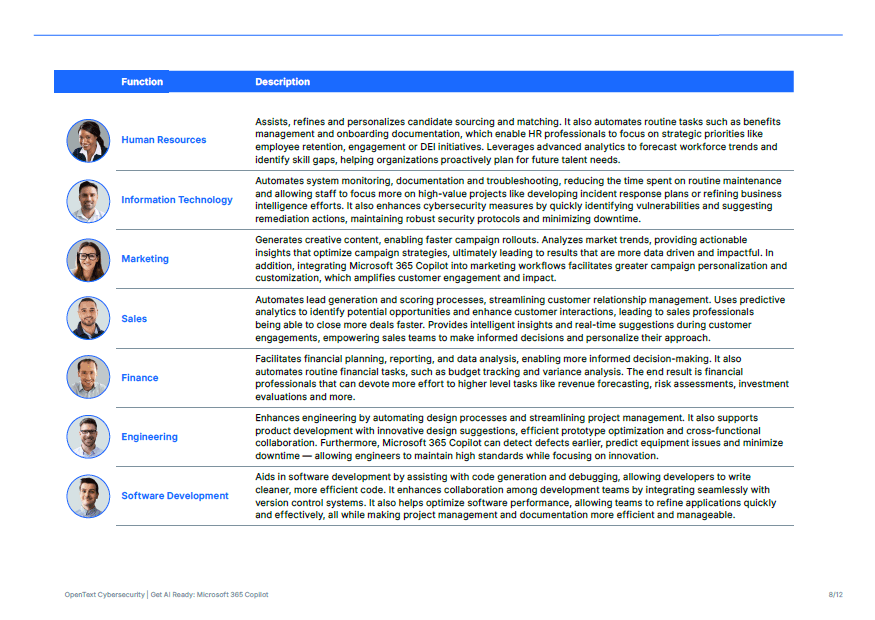
Microsoft Outlook

Microsoft 365 Copilot improves productivity in Outlook by acting as a digital assistant that simplifies everyday tasks. It efficiently manages calendars and to-do lists, reducing the burden of manual scheduling. Additionally, it helps users create polished, professional emails, saving time on revisions and enabling them to communicate effectively and without delay.

In Teams, Microsoft 365 Copilot revolutionises meetings by identifying key discussion points, action items, and strategic insights. It provides clear summaries to keep all team members informed and aligned. By delivering actionable suggestions and recapping conversations, it improves collaboration, making team efforts more focused and impactful.

For Word and PowerPoint, Microsoft 365 Copilot accelerates content creation with its draft generation feature, allowing users to quickly refine and iterate ideas. With intelligent document assistance, it enhances grammar, structure, and the overall quality of content. The result is professional-grade reports and presentations that meet high standards with less effort.

Excel users gain powerful support from its automated data analysis tools. By leveraging natural language processing, it simplifies complex tasks like creating formulas, automating VBA scripts, and analysing data patterns. Even users without advanced technical skills can turn raw data into actionable insights with ease. By integrating seamlessly into these Microsoft 365 applications, Copilot empowers users to achieve more in less time, optimising productivity and creativity across all their tasks.

Bringing AI to your business scenarios can be a challenge. Microsoft developed the Microsoft Scenario Library to get you started. Find your industry or functional area, browse the content, and get started today: Inspiration for AI Transformation

Why Copilot for Business (and why the bundles matter)

70%

of Microsoft 365 Copilot users reported being more productive, with tasks being completed 29% faster on average.

353% ROI

Microsoft 365 Copilot has demonstated a potential return on investment of up to 353% for SMBs over 3 years, highlighting its strategic value.

68%

of users said Copilot improved the quality of their work and helped jump-start the creative process.

Lots of people tried “AI chat” when it first launched. Helpful… but limited.

Microsoft 365 Copilot goes further because it works inside Microsoft 365 and can be grounded in your work (where you already live and breathe):

  • Copilot Chat helps with web-based tasks (research, drafts, quick answers).
  • Microsoft 365 Copilot works across Teams, Outlook, Google, Word, Excel, and PowerPoint to support real day-to-day work – using your existing Microsoft 365 permissions and policies to help keep business data protected.

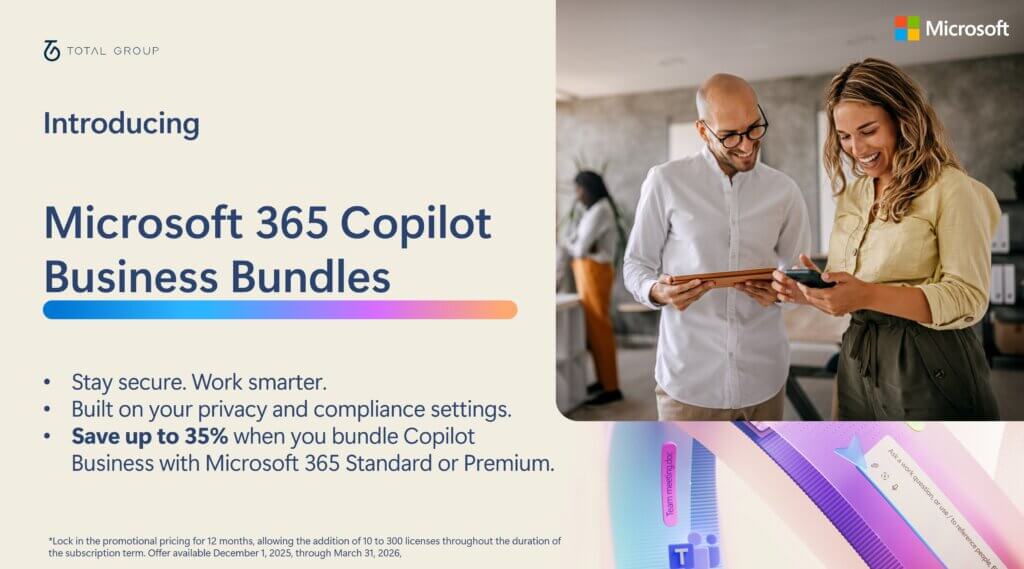
If you want a simpler route (AI + productivity + security), the Microsoft 365 Copilot Business bundles can be an easier way to package what you need. Want help choosing the right option?

Learn more about the All-in-one AI solution for Microsoft 365 Business today:

Microsoft Resources

If you’re planning rollout, governance, licensing, or user adoption, we can help you get value quickly and safely.

Microsoft resources (recommended)

Data, governance & controls

Find out how we can transform your IT

Whatever your IT requirements we can help.

Shadow AI: The Real Risks (and Roadmap) for AI Adoption

Thurs 28 May · 2:00pm BST  · 45 min  · Online

Learn how UK businesses can adopt AI safely, 

without risking data, compliance, or control.

Complimentary AI Readiness Report available for attendees*