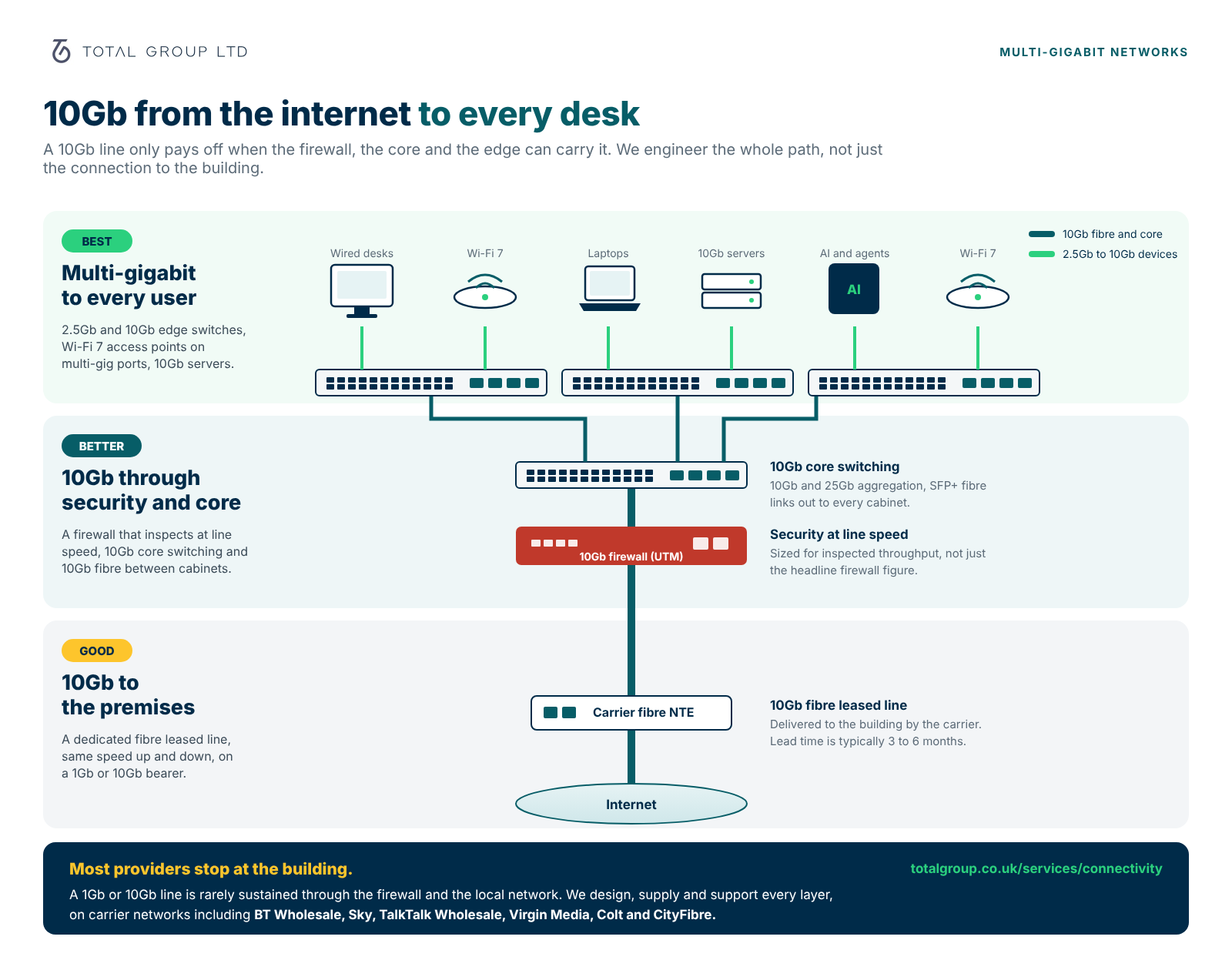
A firewall is only as fast as the security it runs. As a WatchGuard Gold Partner, we supply, configure and manage the current Firebox range, sized so your line speed survives full threat inspection, from a single office to a 10Gb head office.
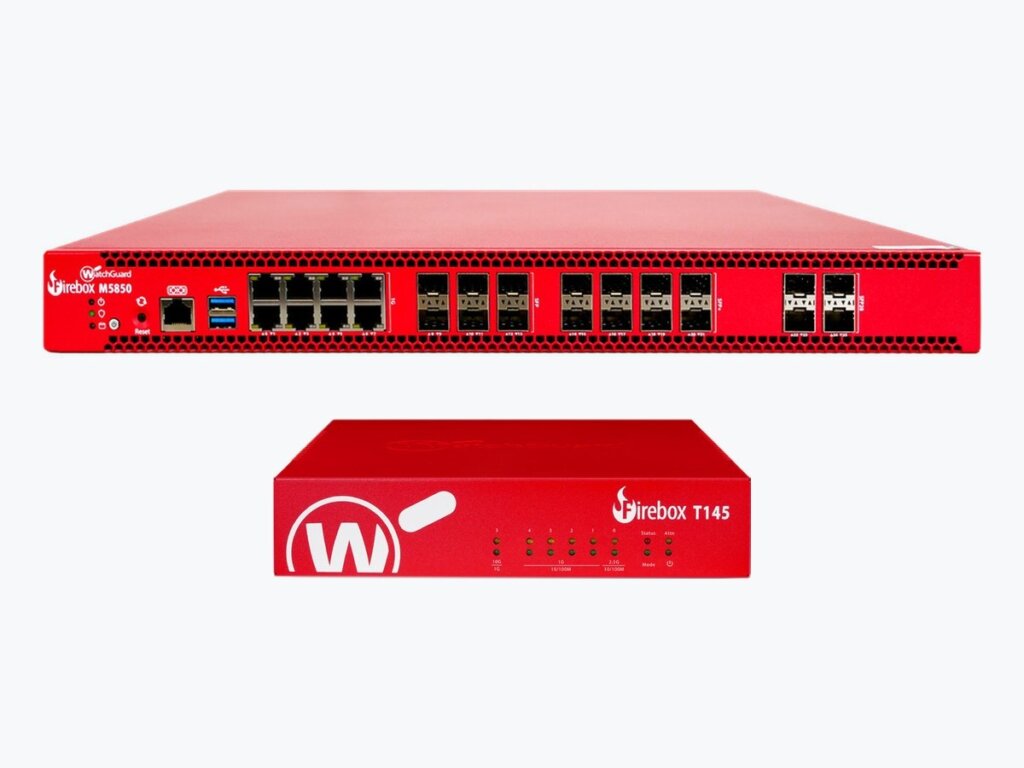
Most businesses buy a faster internet line and never see the speed, because the firewall cannot inspect traffic that quickly. A firewall's headline figure is its raw throughput; the number that matters is its throughput with every security service switched on. We choose the Firebox for the speed you actually pay for, set it up properly and look after it, alongside the switching and Wi-Fi behind it.
Intrusion prevention, gateway antivirus, web and DNS filtering, sandboxing and reputation services, managed for you.
We match the Firebox to your inspected throughput, so a 1Gb or 10Gb line is not throttled at the edge.
Find out moreVPN for home workers and branch offices, protected with multi-factor authentication.
Find out moreUniFi 2.5Gb and 10Gb switching and Wi-Fi 7, so the speed reaches every desk, not just the building.
High availability pairs and backup connections for sites that cannot go offline.
Firmware, rules and security services kept current, with alerts handled by our team and clear reporting.
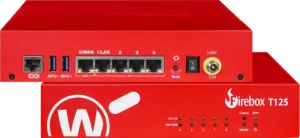
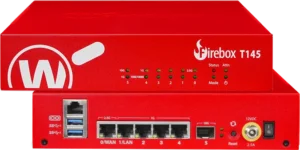
Compact firewalls for offices and branches. The T115-W, T125, T145 and T185 launched in 2025; T125 and T145 are also available with Wi-Fi 7.
| Model | Typical office | Firewall | With full UTM | VPN | Ports |
|---|---|---|---|---|---|
| T115-W | Up to 5 users | 1.02 Gbps | 0.28 Gbps | 0.64 Gbps | 3 x 1Gb, Wi-Fi 7 |
| T125 | Up to 25 users | 2.28 Gbps | 0.51 Gbps | 1.44 Gbps | 1 x 2.5Gb, 4 x 1Gb |
| T145 | Up to 50 users | 3.90 Gbps | 0.71 Gbps | 1.94 Gbps | 1 x 2.5Gb, 4 x 1Gb, 1 x 10Gb SFP+ |
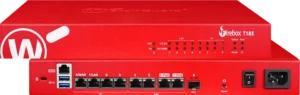
| T185 | Up to 100 users | 7.90 Gbps | 1.83 Gbps | 2.20 Gbps | 4 x 2.5Gb, 4 x 1Gb, 1 x SFP+ |
| T45-CW | Up to 20 users | 3.94 Gbps | 0.56 Gbps | 1.58 Gbps | 5 x 1Gb, Wi-Fi 6, 5G cellular |
| NV5 | Home workers | VPN appliance | 0.20 Gbps | 3 x 1Gb |
Figures are WatchGuard published maximums. Real throughput depends on traffic mix and the services enabled, so we size from your actual usage.
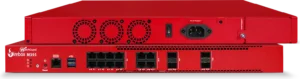
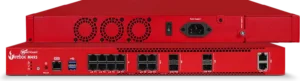
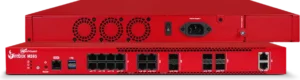
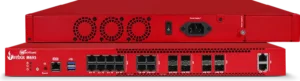
For larger offices, head offices and 10Gb lines. Even the biggest tabletop inspects at under 2 Gbps with every service on, so a 10Gb line needs an M Series.
| Model | Best for | Interfaces | Notes |
|---|---|---|---|
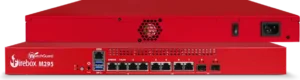
| M295, M395 | Growing offices on gigabit lines | 2.5Gb Ethernet, SFP and SFP+ | High availability pairs available |
| M495, M595, M695 | Larger sites and 10Gb lines | 10Gb Ethernet, 2.5Gb, SFP and SFP+ | Up to 10.2 Gbps with full UTM and 13 Gbps VPN at the top of the range |
| M4850, M5850, M6850 | Head offices and data centres | High-density fibre, modular | Sized to your traffic and redundancy needs |
The M295 to M695 replace the M290 to M690. We plan the upgrade, migrate your rules and VPNs, and switch over out of hours.
The line and the firewall are only half the path. These UniFi ranges carry multi-gigabit to devices and 10Gb or 25Gb between cabinets.
| Layer | UniFi range | What it gives you |
|---|---|---|
| Desks and Wi-Fi 7 | Pro Max and Pro XG | 2.5Gb ports with PoE for Wi-Fi 7 access points and multi-gig desks |
| Power users and servers | Pro XG 10 PoE, Enterprise Campus | 10Gb to the device, with high-power PoE |
| Core and cabinets | Aggregation, Pro XG Aggregation, Hi-Capacity Aggregation | 10Gb SFP+ and 25Gb SFP28 links between switches |
| Campus and large sites | Enterprise Campus Aggregation | 25Gb downlinks with 100Gb uplinks |
We review your line, current firewall, rules, VPNs and network, and measure the throughput you actually need with security switched on.
We size the Firebox, switching and Wi-Fi together, and plan resilience and remote access.
We configure and test everything before go-live, migrate rules and VPNs, and switch over out of hours.
We keep firmware and security services current, respond to alerts and report to you regularly.
A new 1Gb or 10Gb leased line typically takes 3 to 6 months to install. Plan the firewall and switching now, so the speed is there on day one.
Inspecting traffic for threats takes processing power. A firewall that handles 2 Gbps of raw traffic may manage only a fraction of that with every security service on, so a faster line can be throttled at the edge.
For inspected throughput anywhere near 10Gb you need the M Series, typically the M495 or above. We size it from your traffic and the services you need.
Yes, while they are supported by WatchGuard. When a model reaches end of life we plan the upgrade and migrate your rules and VPNs for you.
Yes. We can take over management of your current Firebox, review its rules and security services, and bring it up to our baseline.
Yes. We design and install UniFi switching and Wi-Fi 7 so multi-gigabit speed reaches every desk and device.
Tell us what you have today and where you want to get to. We will recommend the right next step, no obligation.
Loading secure payment form...
Secure payment by Stripe. Change your details